

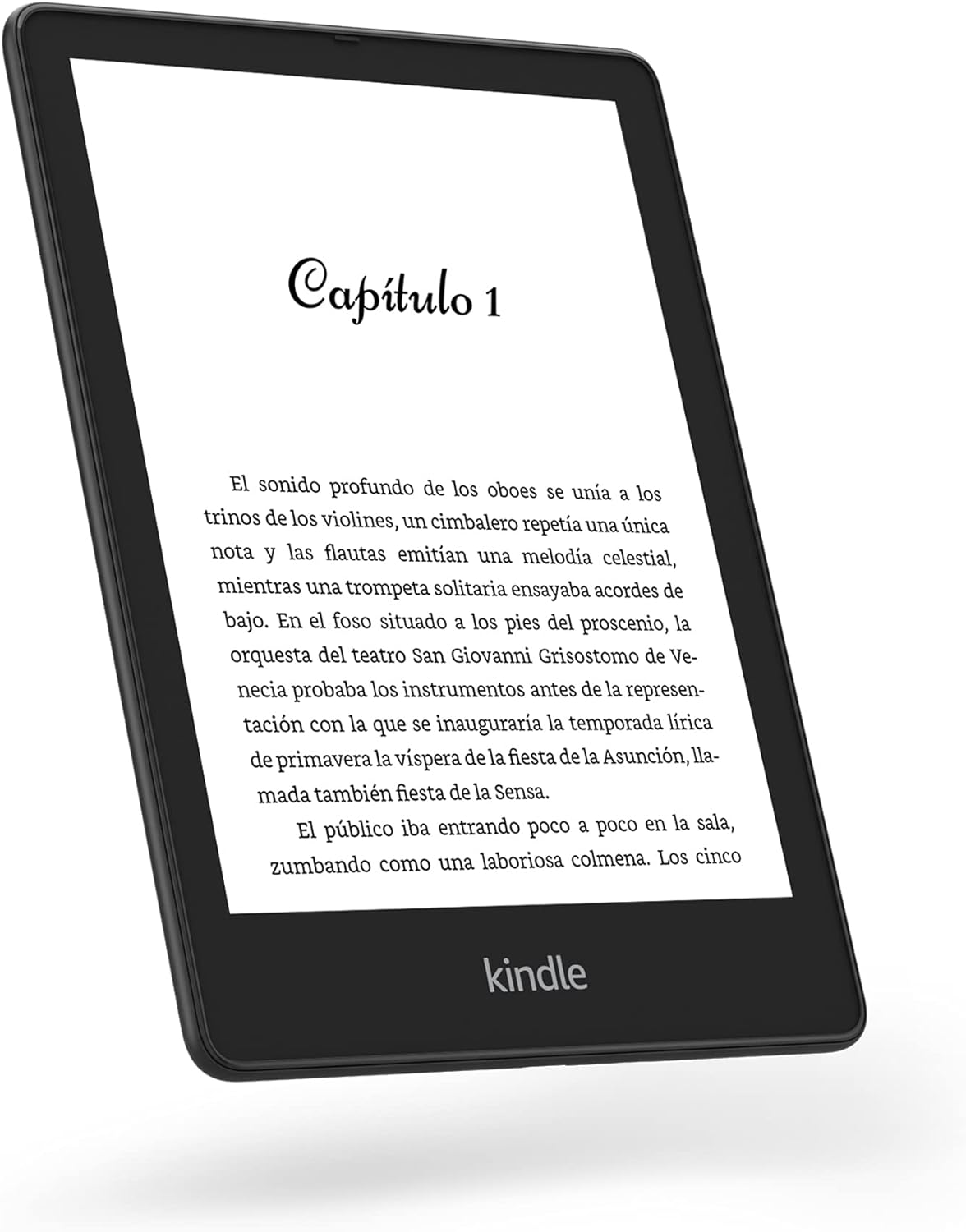
There comes a moment when turning physical pages just doesn’t cut it anymore. Maybe you’re juggling multiple books, or highlighting ideas, or maybe you’re just tired of traveling with five paperbacks stuffed in your backpack. That’s where eReaders start making sense—and where the debate between the Kindle Scribe, Kindle Oasis, and Kindle Paperwhite Signature Edition gets serious.
We weren’t expecting this to be a hard choice. After all, they’re all Kindles, right? But the more time we spent with each one, the more we realized they’re not just variations of the same idea. They’re built with completely different reading styles—and readers—in mind. From size and lighting to handwriting and charging, they go off in very different directions.
The Kindle Scribe throws the biggest curveball, thanks to its writing capability. The Oasis counters with page-turn buttons and a lighter build, while the Paperwhite Signature stays sleek and convenient. We dove into all three, and here’s what we found.
Display sizes that completely change the vibe
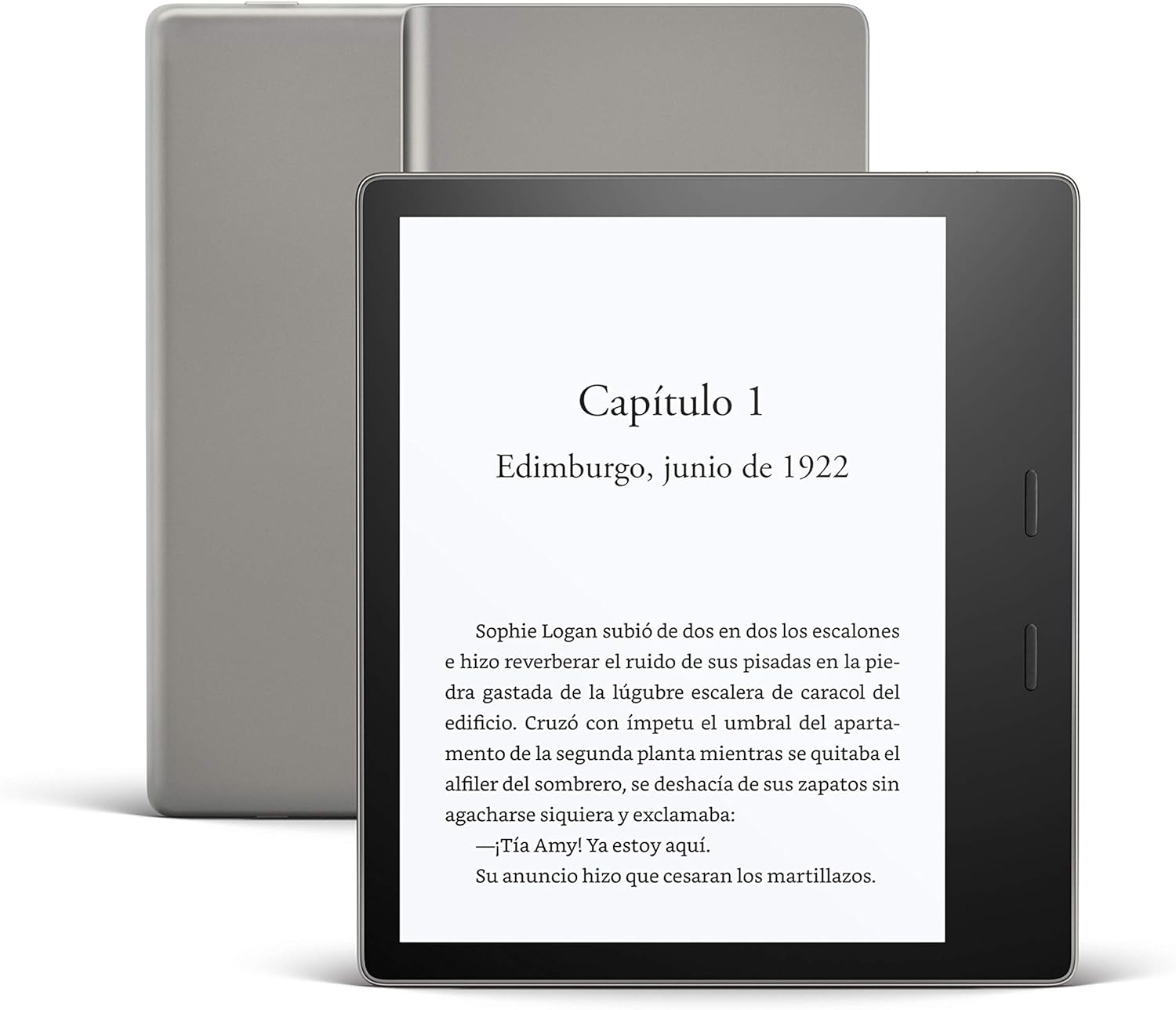
It’s not just about bigger or smaller. It’s about what that space lets you do. The Kindle Paperwhite Signature keeps it compact with a 6.8-inch screen, which feels just right if you read curled up in bed or on a crowded train. The Kindle Oasis pushes things a bit with a 7-inch display, making reading feel slightly more immersive without making the device bulky.
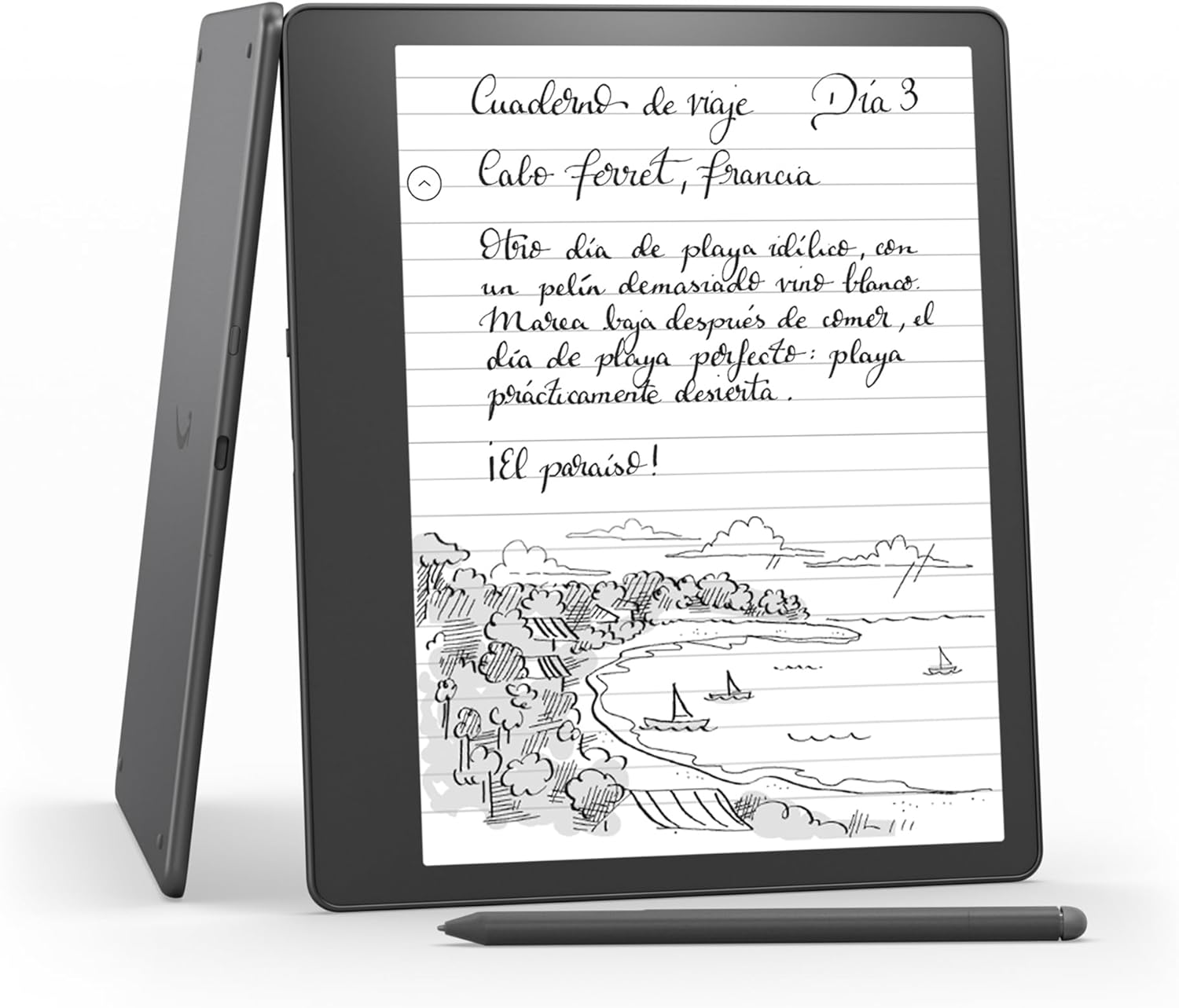
Then there’s the Kindle Scribe. With a 10.2-inch display, it’s on a completely different level. That extra screen real estate isn’t just for comfort—it opens the door to writing, annotating, and handling documents without squinting. It feels less like a book and more like a digital desk.
Now, all three have 300 ppi resolution, so text stays crisp across the board. No one gets left behind in sharpness. But the lighting tells another story. The Paperwhite Signature uses 17 front LEDs, the Oasis uses 25, and the Scribe packs a whopping 35. That extra lighting on the Scribe and Oasis means more uniform brightness and smoother gradients in low-light conditions.
All three allow warm light adjustment and automatic brightness, which makes late-night reading way less harsh. But there’s no denying that the Scribe’s giant panel combined with 35 LEDs makes it the most comfortable for marathon reading or working sessions.
Only one of them lets you write your thoughts, not just read them
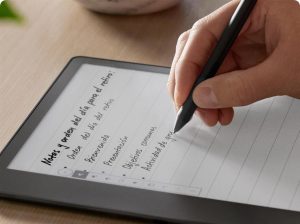
This is where the game changes. The Kindle Scribe isn’t just for reading—it’s built for writing too. If you’ve ever wanted to scribble a note in the margin, underline passages, or draft a quick list during your morning read, this is the only one that makes that possible.
It comes with a stylus—standard or premium, depending on the model. No charging needed, no lag. Just write. You can annotate books, take notes in notebooks, or work on imported PDFs. It’s seamless, and surprisingly satisfying. The screen gives enough resistance to feel like paper, which makes jotting things down way more natural than expected.
The Oasis and Paperwhite Signature? They keep it classic. No stylus support, no note-taking features. They’re pure eReaders. Great for escaping into fiction or cruising through nonfiction, but if you’re someone who marks things up or likes to interact with your content, you’ll feel the limitation immediately.
So if your Kindle moments involve ideas, reflections, or even just doodles on the side—the Scribe’s your only option.
Battery life that depends on how you use it

Battery life on Kindles has always been impressive, but here’s where the numbers start to split. The Kindle Paperwhite Signature leads with up to 10 weeks of battery, and the Oasis follows close behind with 6 weeks. Both are based on about 30 minutes of daily use, Wi-Fi off, light settings at a moderate level.
Now, the Kindle Scribe can stretch up to 12 weeks—if you’re only reading. But when you bring the stylus into the picture and start writing daily, that number drops to about 3 weeks. Still respectable, but it’s something to keep in mind if you’re planning to use it heavily for note-taking.
Charging is another twist. Only the Kindle Paperwhite Signature supports wireless charging, which sounds like a gimmick until you’ve placed it on a Qi pad next to your phone before bed. The Oasis and Scribe stick to wired USB-C charging.
Charging times vary—about 3 hours for the Oasis, 2.5 to 5 hours for the Paperwhite Signature, and 2.5 to 7 hours for the Scribe, depending on your adapter. Not lightning fast, but manageable, especially with that kind of battery life.
Storage options that actually matter (especially for the Scribe)
We used to think storage didn’t matter much on eReaders. And for basic reading, maybe it doesn’t. But when you start saving PDFs, documents, and handwritten notes, things add up fast.
The Kindle Paperwhite Signature comes with 32 GB—that’s fixed. The Oasis gives you a choice between 8 GB and 32 GB, which feels a bit outdated for a premium model. But the Scribe? You get to choose between 16 GB, 32 GB, or 64 GB. That’s a serious advantage if you plan to use it as a digital notebook or archive.
Cloud backup exists for all three, so no panic if your storage gets tight. But if you want everything offline and in one place, only the Scribe gives you that flexibility.
Water resistance: two are pool-ready, one’s not
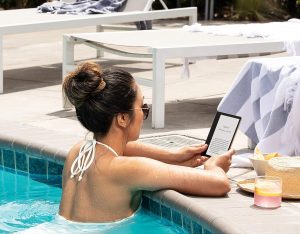
We’ve all had that moment. Reading near water—bathtub, pool, kitchen sink—and your heart skips a beat when your Kindle gets splashed. Both the Oasis and the Paperwhite Signature are IPX8 certified, which means they can survive immersion in up to two meters of water for up to an hour. Not that we recommend testing it, but still.
The Scribe? No official water resistance at all. That doesn’t mean it’s fragile, but if your reading spot involves liquids, proceed with caution.
Those little extras you didn’t think you’d care about… until you do
It’s funny how the smallest features become the biggest comforts. The Kindle Oasis has physical page-turn buttons—and if you’ve used them, you know. One-handed reading gets easier, especially if you’re snacking, commuting, or curled up in an awkward position.
The Scribe and Oasis both offer auto screen rotation, which matters more on larger devices than you’d think. The Paperwhite Signature doesn’t rotate, and has no physical buttons, so it’s all about touchscreen navigation.
All three support WiFi and Bluetooth, and they work with Audible for audiobooks via Bluetooth headphones. No microSD cards, so no expandable memory, but they all have USB-C ports for charging and file transfers.
They also share Kindle basics like bookmarks, highlights, dictionary, X-Ray, Goodreads integration, and syncing across devices. But only the Scribe feels like it goes beyond the expected and starts to blur the line between eReader and productivity device.
And when you put it all together…
At first, we thought this was going to be a toss-up. The Oasis has buttons and a premium feel. The Paperwhite Signature is compact, wireless-chargeable, and super practical. But after weeks of use, the Kindle Scribe just changes the rules.
It’s the only one that lets you read and write. That alone makes it more than an eReader. Its massive 10.2-inch screen, 35 LEDs, and stylus input completely shift how you interact with content. You go from passive consumption to active engagement. It’s the difference between watching and participating.
Sure, it’s heavier. Sure, it’s not waterproof. But for the way we read today—highlighting, organizing, annotating, brainstorming—the Scribe fits. It’s not for everyone, but for anyone who sees reading as part of a broader creative or work process, it’s a no-brainer.
And once you start jotting down ideas right in the margins, it’s hard to go back.